

Lolobuy Spreadsheet — Bags
Explore the Lolobuy bag selection by comparing shape, carrying style and the space you need for everyday essentials. Look at handles, shoulder straps, closures and interior layouts as well as the front photograph. The selection brings different brands and designs together with estimated item prices, so you can compare practical details before opening the full listing.
Measure the items you need to carry and check the bag’s width, height, depth and usable opening. For a laptop or tablet, ask about the actual compartment size if only exterior dimensions are shown. Confirm strap length, adjustment options and which pouches, straps or other pieces are included in your selected option; photographs may show accessories that are sold separately.
01Compare width, height, depth and opening size with your essentials.
02Check strap length, handle drop and adjustment options.
03Review closures, interior photos and included accessories.
COMPARE YOUR OPTIONS
Featured Bags
A mix of brands and styles. Open a product to explore its details and buying checks.
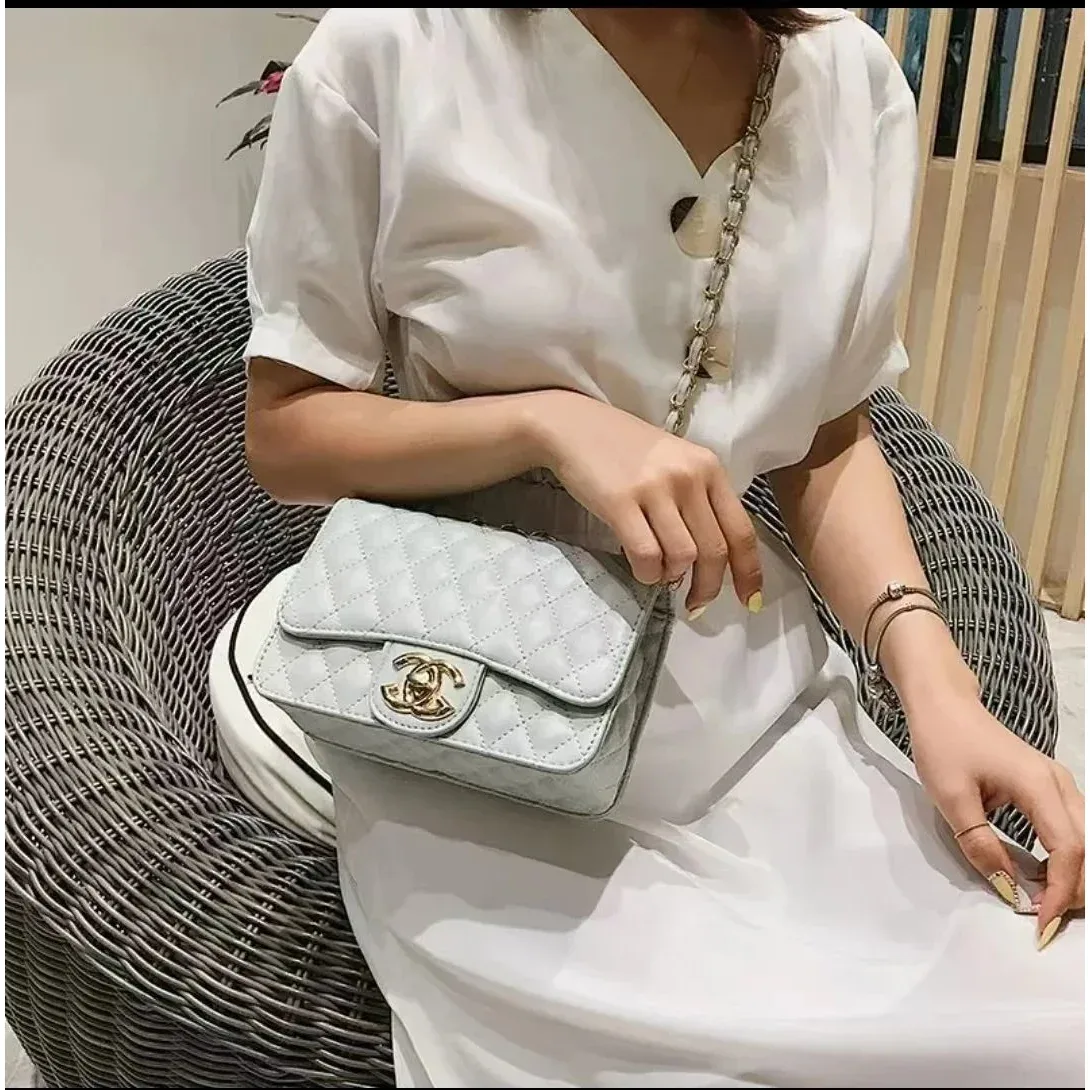
Chanel Classic Flap Light Blue Bag
Bags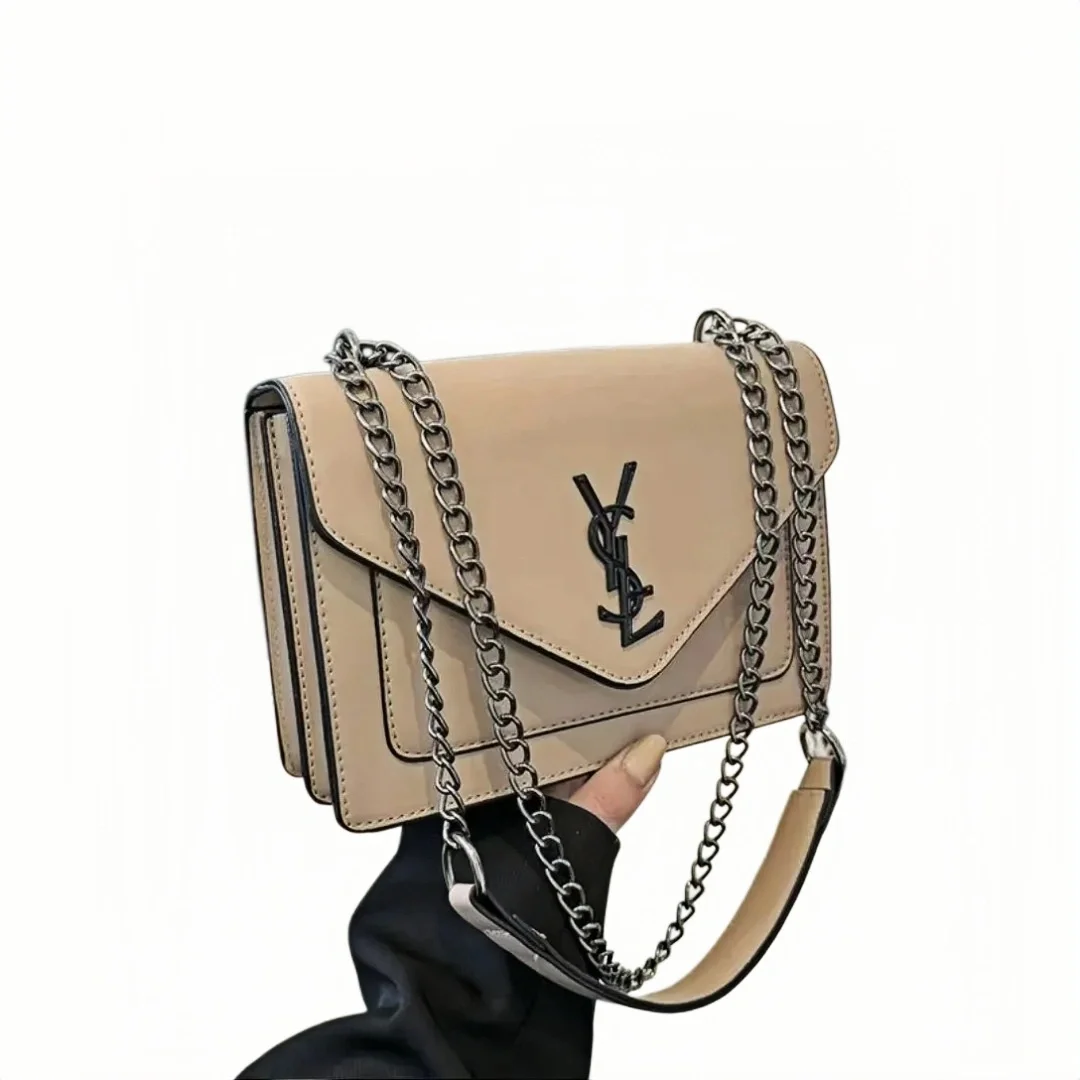
YSL Sac de Jour Beige Leather Shoulder Bag
Bags
Louis Vuitton Neverfull Monogram Leather Bag
Bags
Coach Pillow Tabby Signature Mini Tote Beige
Bags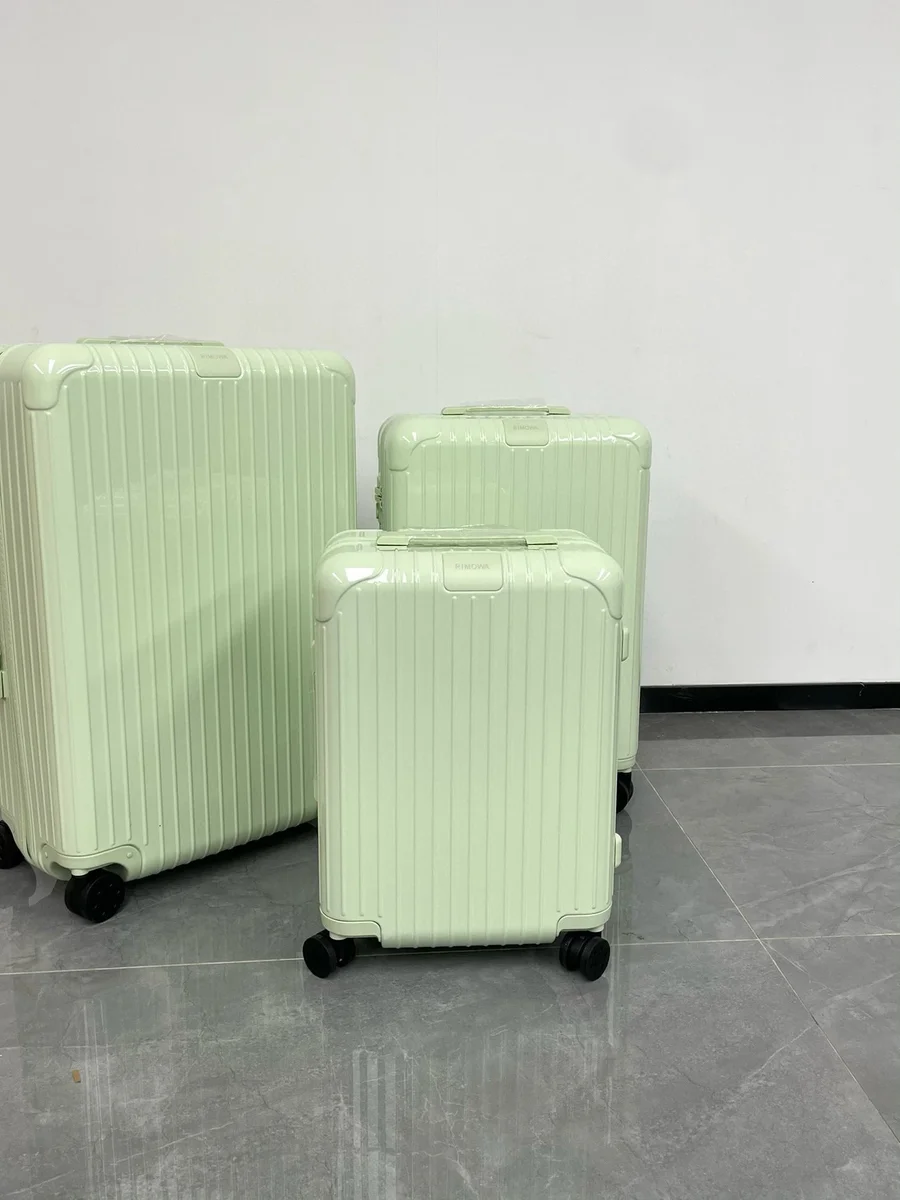
Rimowa Mint Green Hard Shell Luggage Set
Bags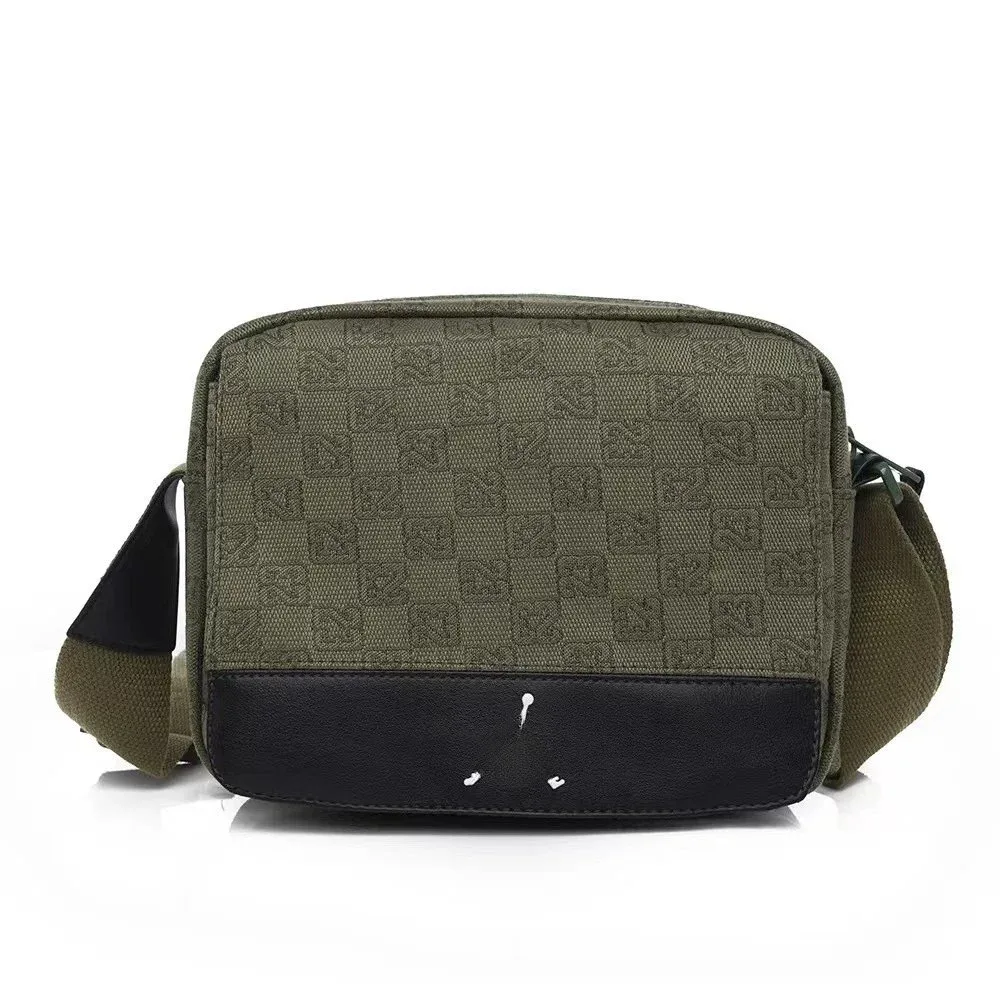
Fendi Iconic Single-Shoulder Olive Green Bag
Bags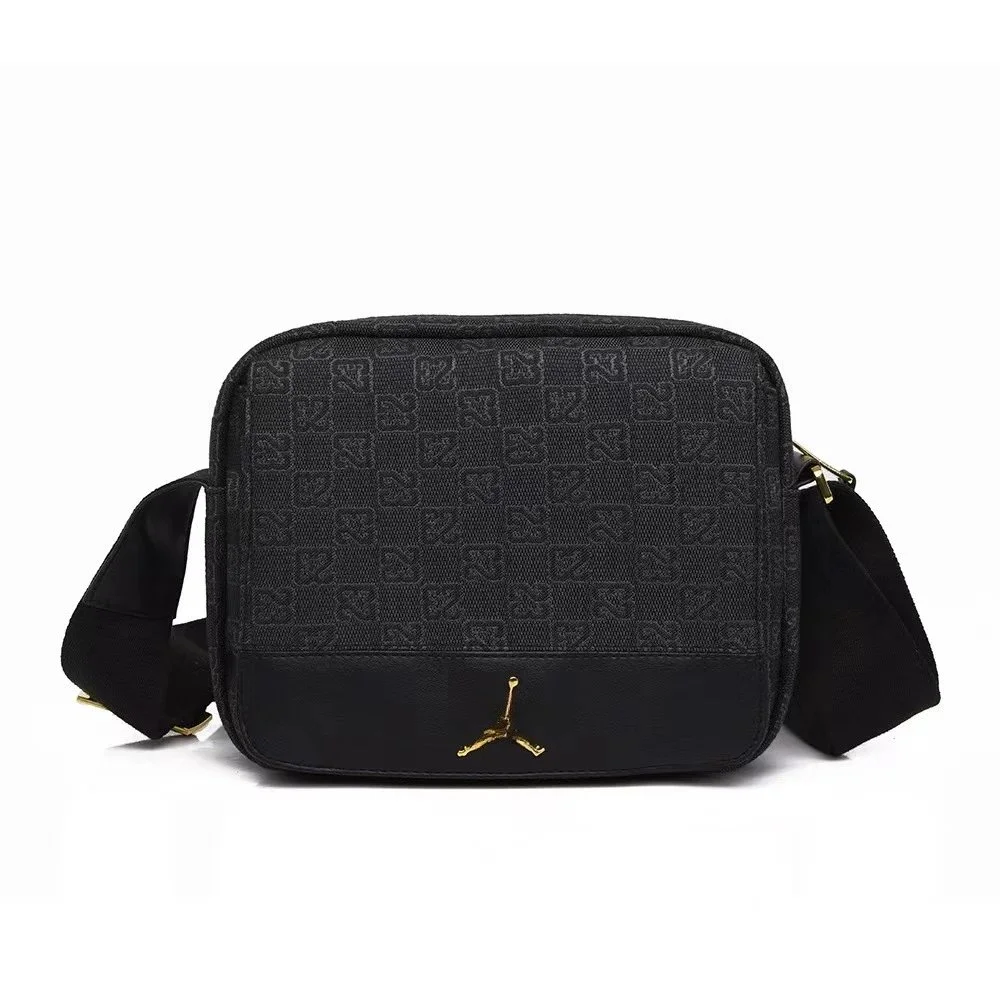
Jordan Air Jordan Single Shoulder Black Bag
Bags
Dior Lady Dior White Quilted Round Bag
Bags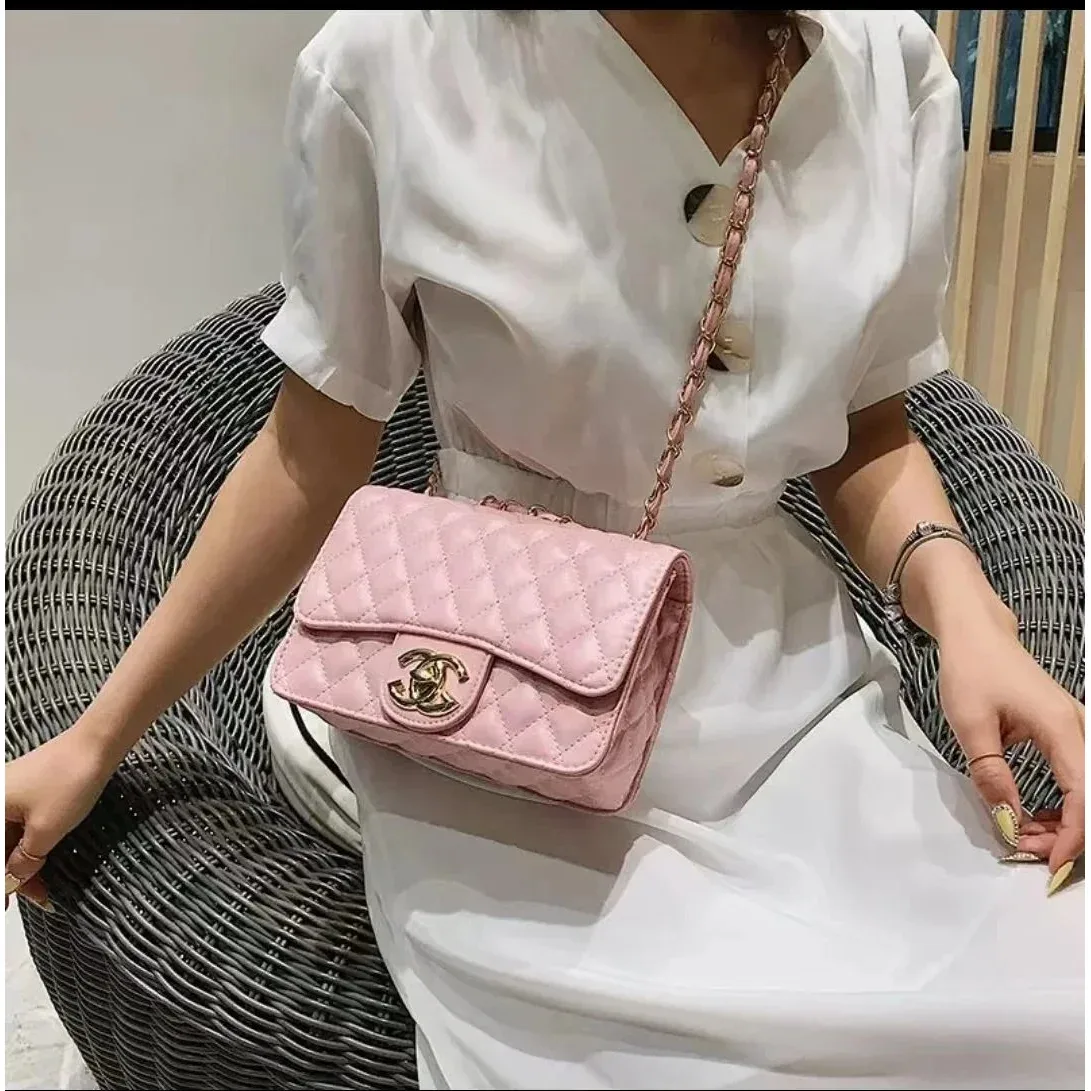
Chanel Classic Flap Pink Quilted Leather Bag
Bags
Saint Laurent Monogram Red Chain Shoulder Bag
Bags
Louis Vuitton Pochette Monogram Mini Bag
Bags
Coach Pillow Tabby Pebble Grain Leather Tote Bag
Bags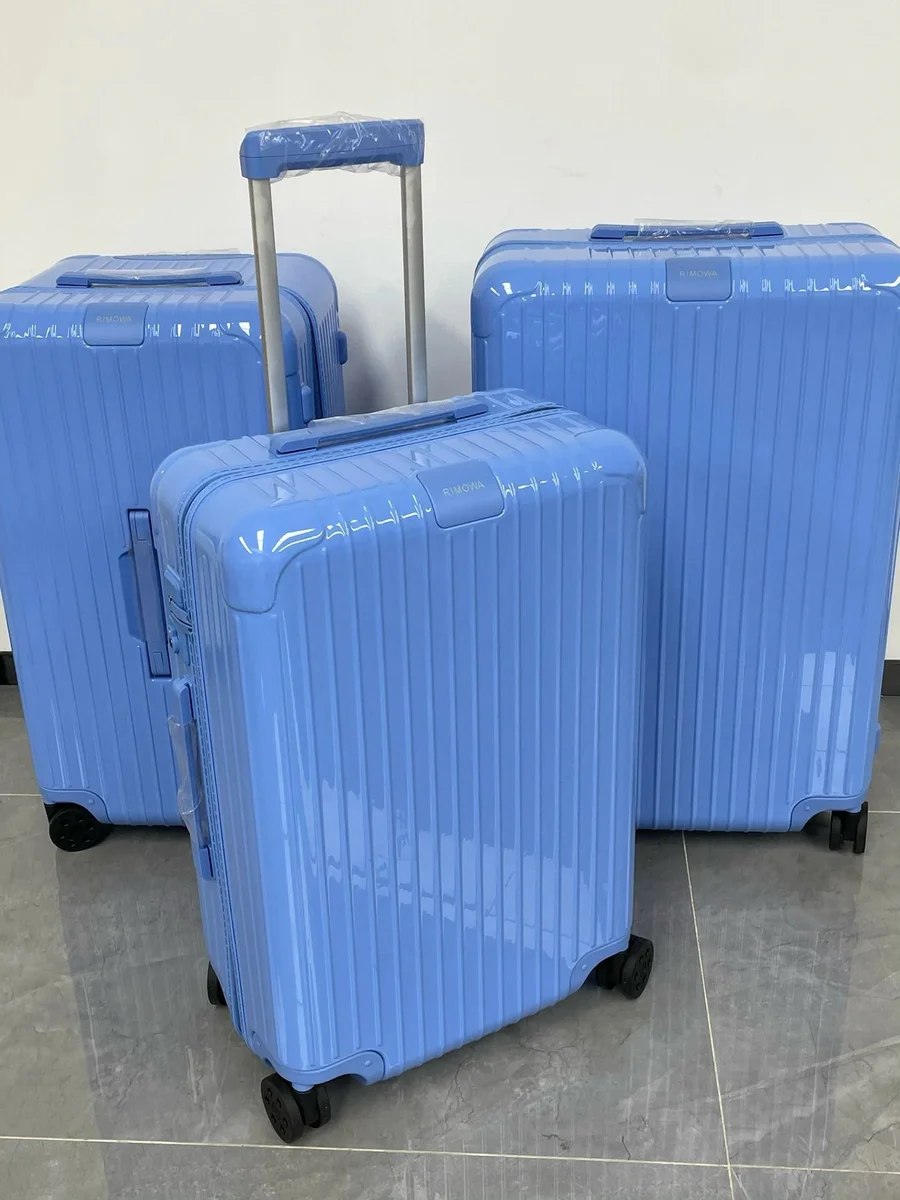
Rimowa Original Blue Ribbed Luggage Set
Bags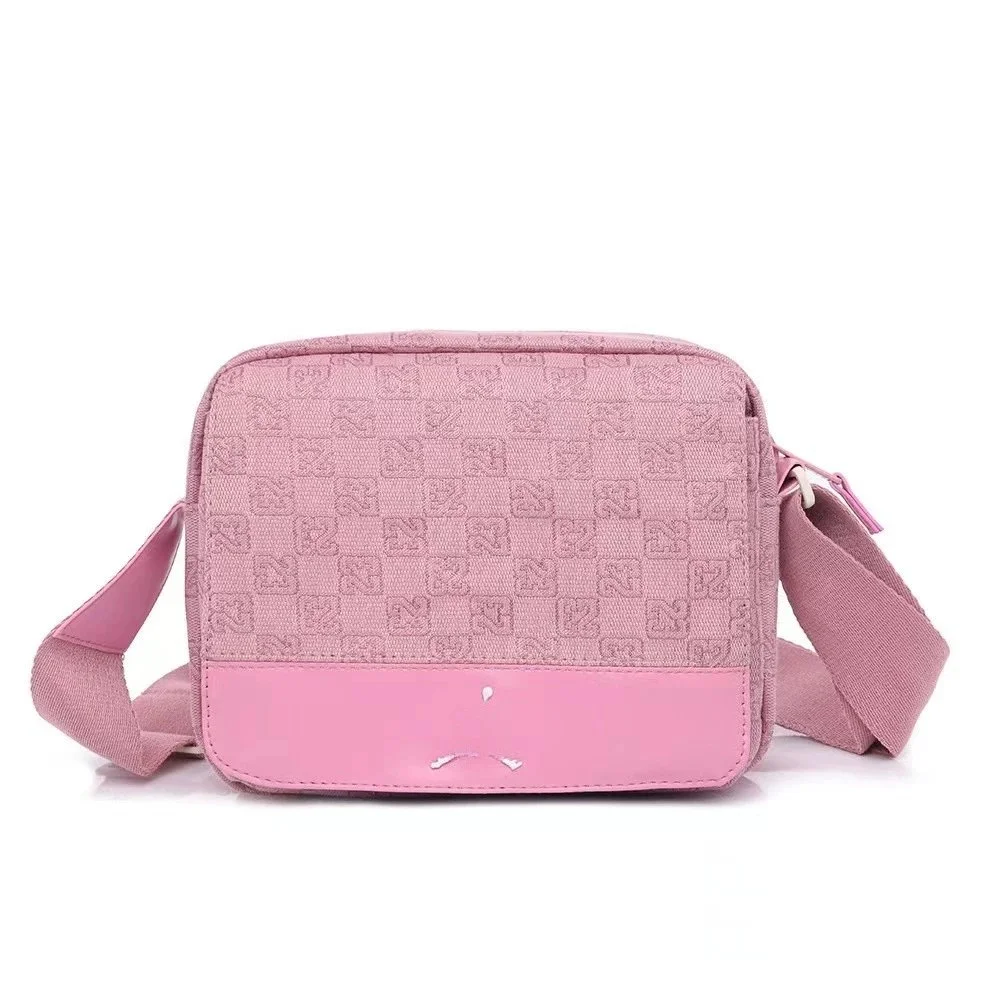
Fendi Iconic Pink Crossbody Bag
Bags
Jordan Air Jordan Backpack Black Small
Bags
Dior Lady Dior Black Quilted Leather Crossbody Bag
Bags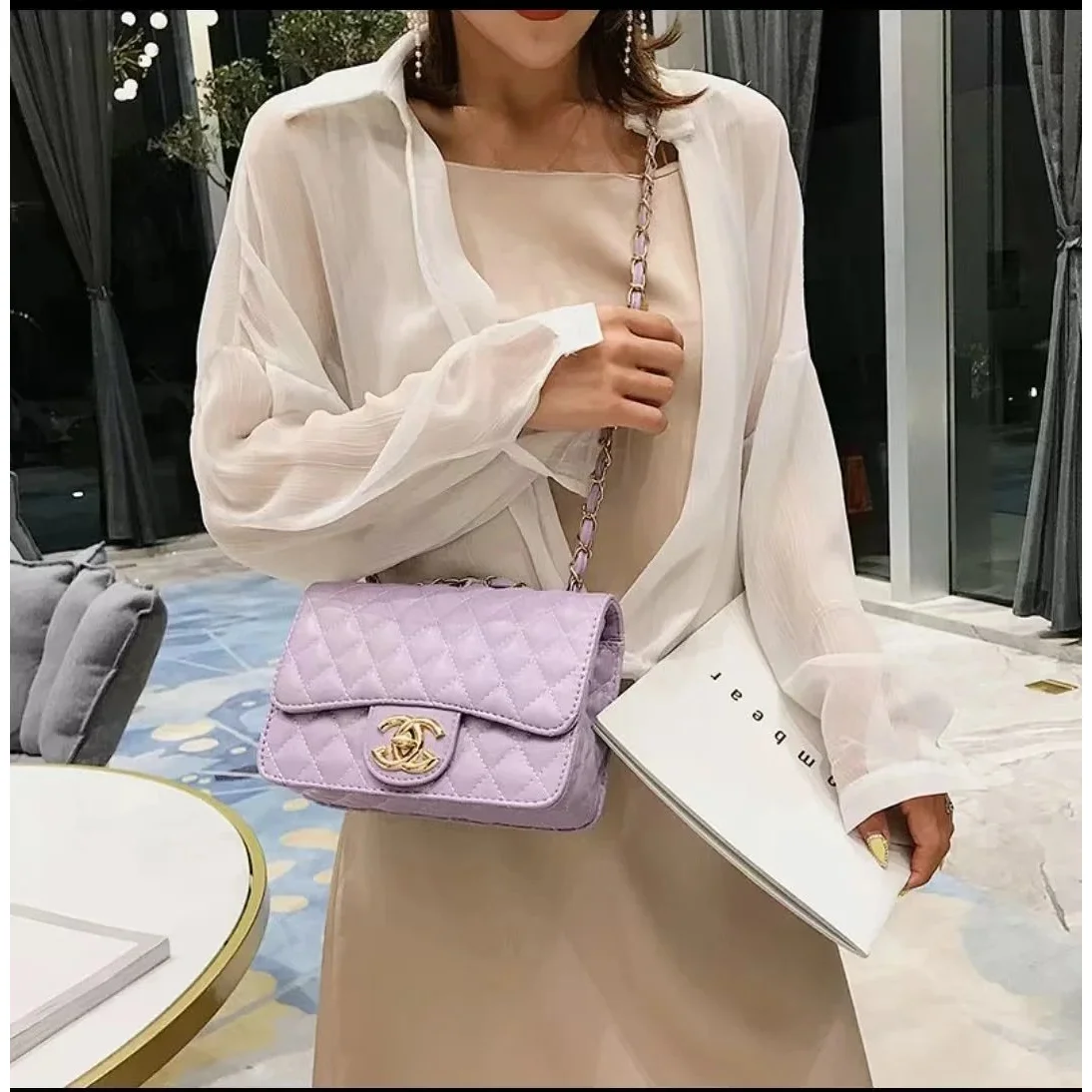
Chanel Classic Flap Lilac Leather Bag
Bags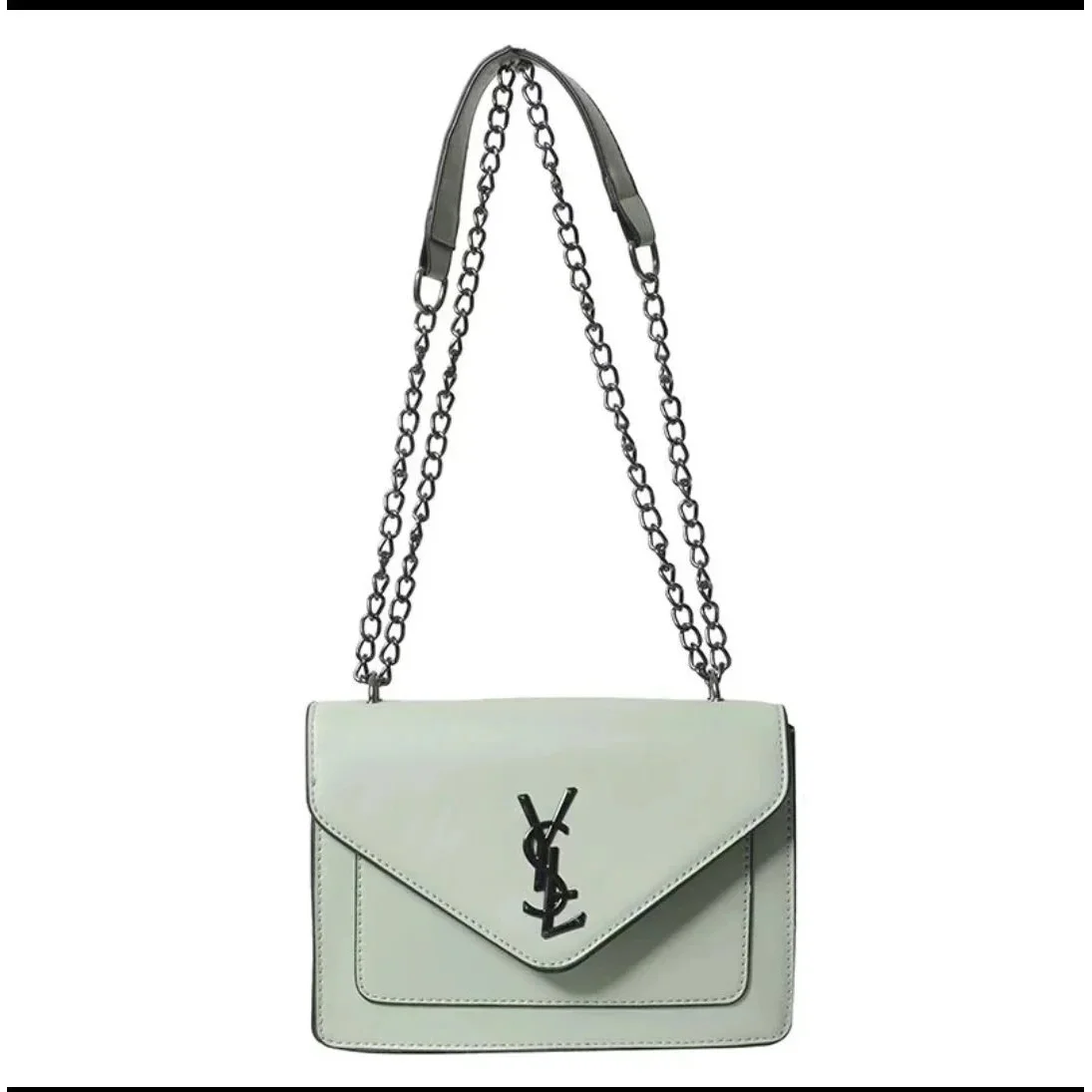
YSL Sac de Jour Light Green Shoulder Bag
Bags
Louis Vuitton Pochette Monogram Black Crossbody Bag
Bags
Coach Pillow Tabby Black Leather Tote Bag
Bags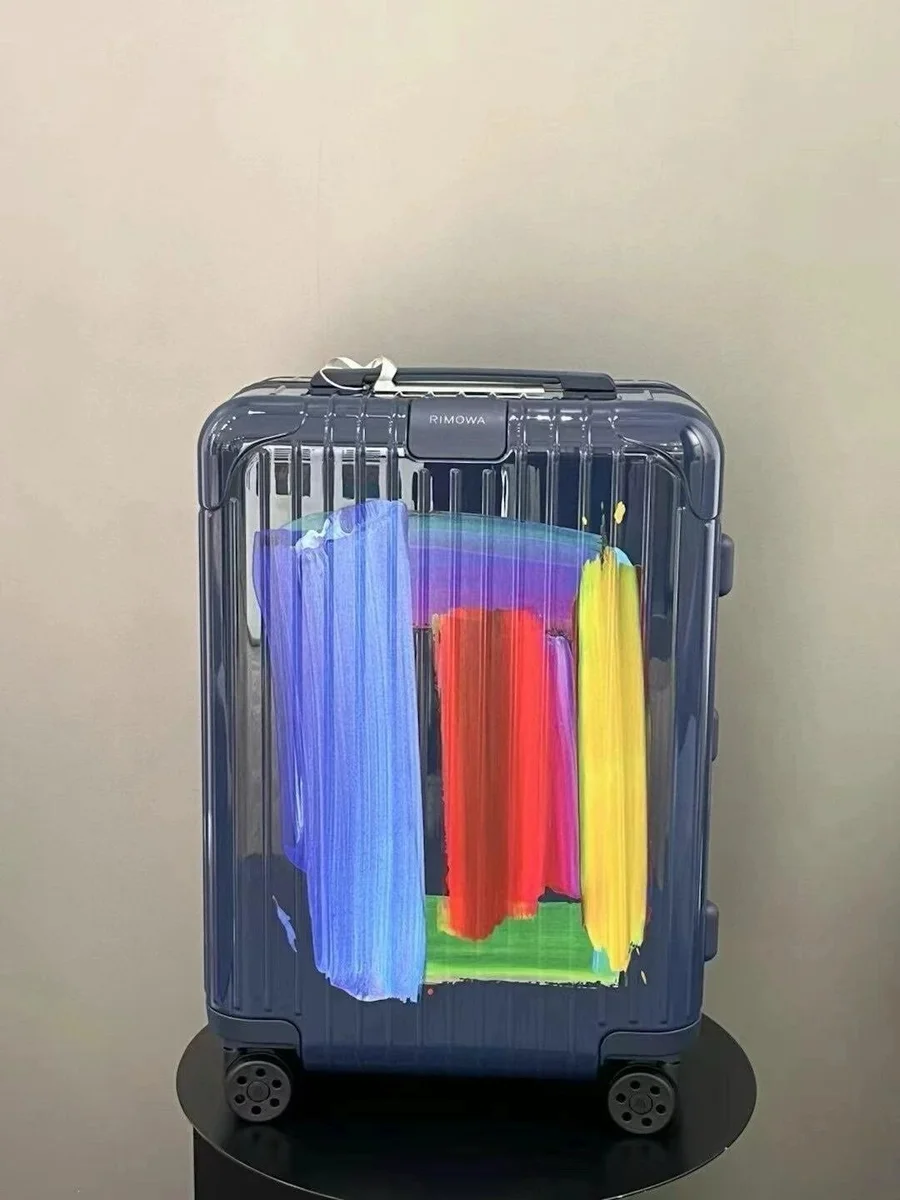
RIMOWA Multicolor Brushstroke Suitcase
Bags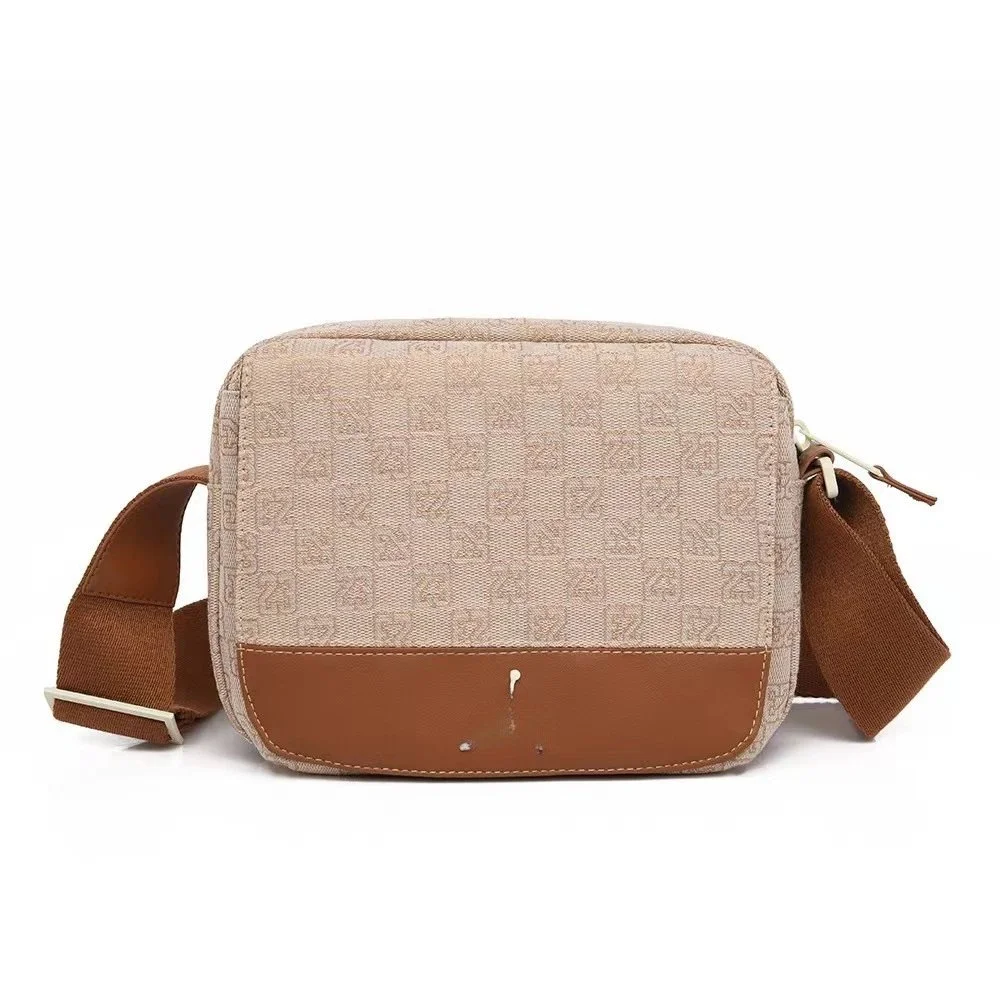
Fendi Iconic Single Shoulder Bag Coconut Milk Beige
Bags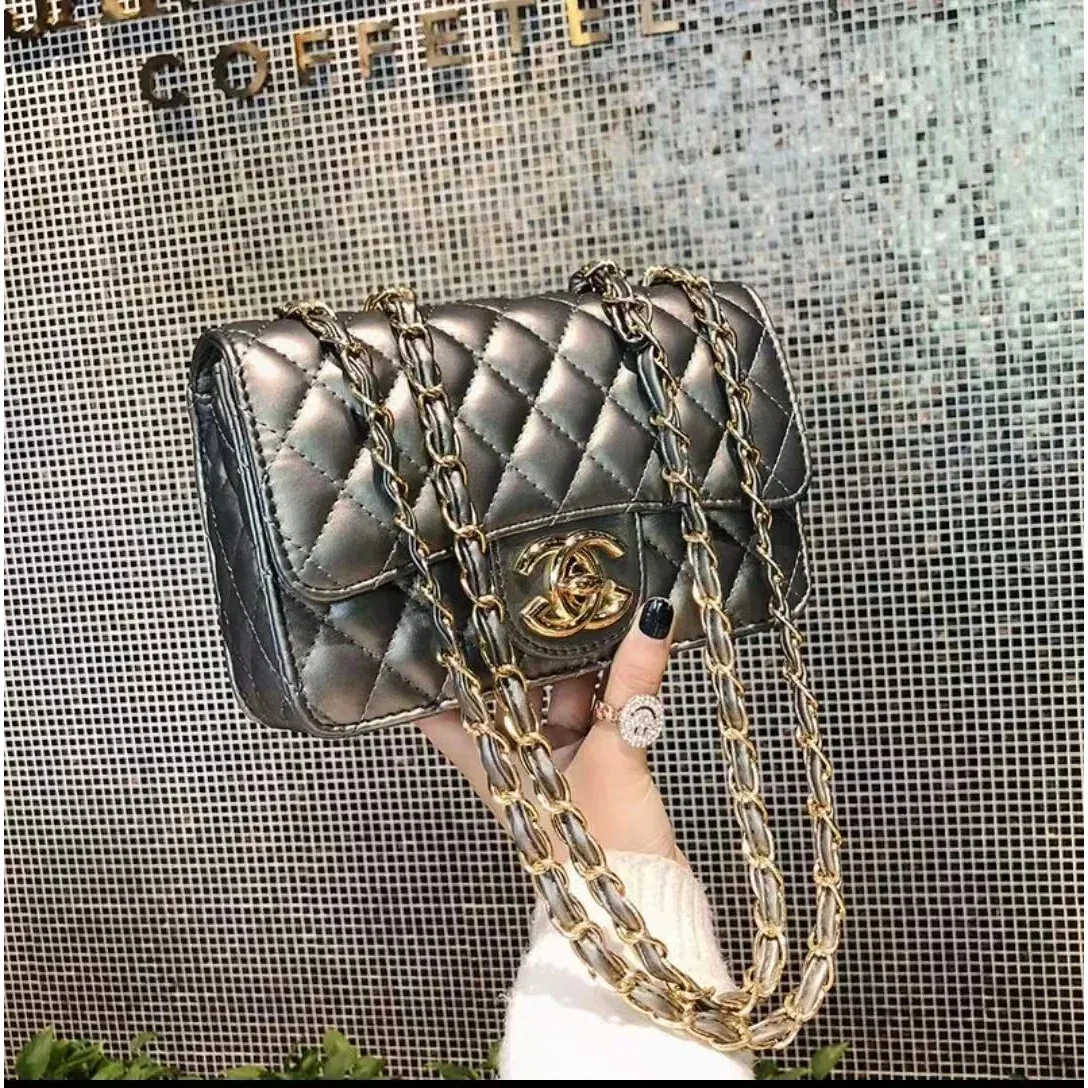
Chanel Classic Flap Black Leather Shoulder Bag
Bags~ Estimated item prices only. Shipping and other charges are separate.
Keep your shortlist going.
Browse more bagsExplore the wider bags catalog for more styles, details and available options.
BEFORE YOU CHOOSE
A more useful way to compare bags.
Start with the things you carry
Measure the items that must fit, such as your laptop or notebook, and compare them with the usable opening as well as the bag’s outer dimensions. A large exterior measurement does not tell you the shape of the interior.
Check the carrying arrangement
Confirm the strap range, handle drop and whether straps are removable. For a fitted backpack, Osprey’s sizing guidance uses torso length; check the exact pack’s sizing information rather than choosing from height alone.
Ask what arrives with the bag
Read the selected option and look for interior and hardware photos. Confirm which straps, pouches or packaging are included. Product photos can show props or accessories that are not part of every variant.
A LITTLE CLARITY
Shopping FAQ
Use the source listing and your own order information to make the final comparison.
Will a bag fit my laptop if its width is large enough?
Also check the opening, internal compartment and your device’s depth and height. Ask for usable measurements when the listing only gives exterior dimensions.
Are extra straps and pouches always included?
Only rely on the selected listing’s explicit contents. Check the option text or ask the seller before assuming every photographed accessory is included.